 English

How to Redeem Steam Key Safely in 2026
The fastest way to turn a cheap game key into a problem is to redeem it without checking where it came from. If you want to know how to redeem Steam key safely, the real answer starts before you even open Steam. A valid code can still lead to headaches if the seller is sketchy, the region is wrong, or the account security on your side is weak.
Steam key redemption itself is simple. The risky part is everything around it - where you bought the key, whether the listing was accurate, and whether you are entering it on the real Steam client or website. If you buy discounted PC games regularly, getting this process right saves money and lowers the odds of account issues, revoked licenses, or wasted support tickets.
How to redeem Steam key safely before activation
Before you paste any code into Steam, stop and verify the basics. A safe redemption starts with the seller, not the launcher. If the marketplace has a bad track record, vague product descriptions, or no real support channel, a low price is not much of a deal.
Check that the key matches your account and your game library needs. Some Steam keys are region-locked, some are edition-specific, and some only activate base games while others are DLC. If you already own part of a bundle or the wrong version, you can end up with a code that technically works but is useless for you.
You should also confirm whether the product is a Steam key at all. Plenty of buyers move too fast and purchase an Epic Games, EA App, Rockstar, or Microsoft Store code by mistake. On deal-heavy marketplaces, the platform label matters just as much as the game title.
Buy smart or the redemption step will not save you
If you are hunting for cheap game keys, treat the product page like a checklist. Look for the game title, platform, edition, activation region, language limits if any, and whether it is base game, DLC, currency, or subscription content. If any of that is unclear, assume risk goes up.
A good listing usually tells you exactly what you are getting and how delivery works. A bad one leans on hype, vague discounts, or tiny print. Trusted support is a big factor here. If something goes wrong, speed matters. A seller that responds fast can fix activation problems quickly. One that disappears after payment turns a cheap key into dead money.
This is also where common sense beats price chasing. A discount that looks great but comes from an unverified source is often not worth the gamble. There is always a trade-off between the lowest possible price and the confidence that your key will activate properly and stay on your account.
How to redeem a Steam key safely on the real platform
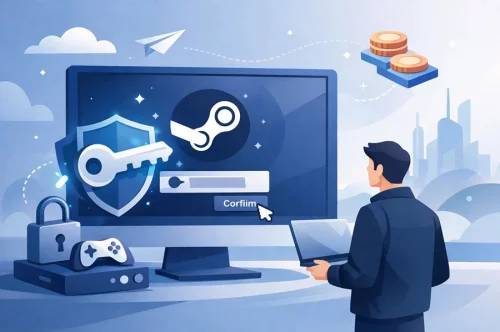
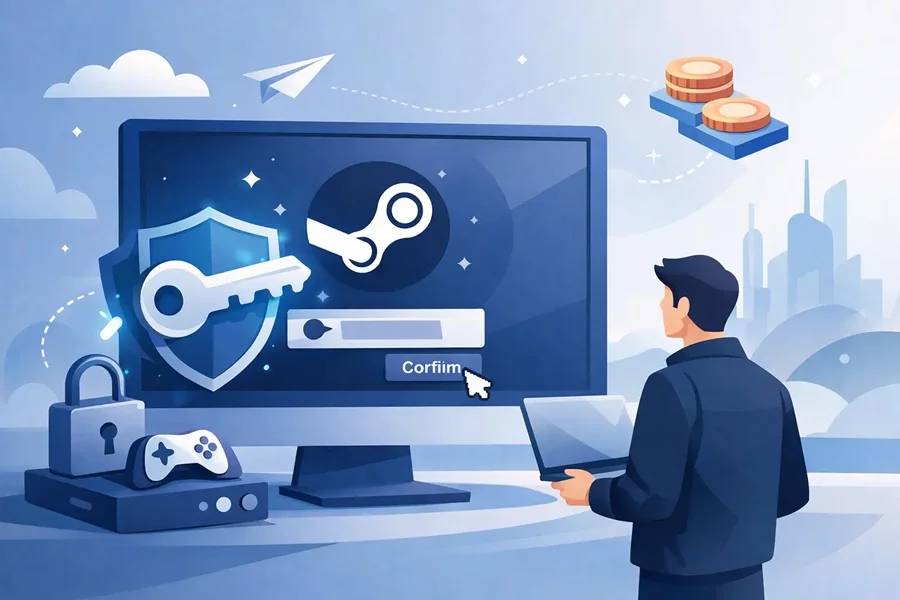
Once you have the key and you are confident the listing is legitimate, redeem it only through official Steam channels. That means the Steam desktop app or Steam's official website after logging into your account directly. Do not enter your code on random activation pages, pop-ups, or third-party forms claiming to validate Steam products.
On the Steam desktop client, open Games from the top menu, choose Activate a Product on Steam, then follow the prompts and paste the code exactly as provided. On the web, you can use Steam's product activation area after signing in. In both cases, double-check that you are on the real Steam domain or inside the official client before entering anything.
If you copy and paste the code, make sure there are no extra spaces before or after it. That sounds minor, but it is one of the easiest ways to trigger an invalid code message. If the code is sent in a block of text, copy only the key itself.
Protect your Steam account during redemption
Safe key activation is not just about the code. It is also about the account receiving it. If someone gets into your Steam account, a good key and a good purchase history will not help much.
Use a strong password that is unique to Steam. Turn on Steam Guard, preferably with mobile authentication. That extra step matters because Steam accounts are valuable targets, especially if they hold a lot of games, skins, wallet funds, or marketplace items.
Be careful with login pages sent through messages, Discord DMs, email alerts, or fake giveaway posts. A lot of account theft starts with social engineering, not brute force. If a page asks you to sign in before redeeming a key, ask why. Steam redemption should happen inside Steam or on the official Steam site, not through a middleman page.
If you use shared PCs, internet cafes, or public devices, avoid redeeming there. Even if the key is fine, your login session may not be. On your own device, keeping your operating system and browser updated adds another layer of protection.
Common Steam key errors and what they actually mean
Not every failed activation means you got scammed. Sometimes the problem is simple. If Steam says the code is invalid, check for typos first. O and 0, B and 8, and extra spaces are common issues.
If Steam says the product is unavailable in your region, the key may be region-locked. That usually means the listing did not match your account location, or you missed a restriction before buying. This is one reason region details matter so much on marketplace listings.
If Steam says the product has already been activated, stop trying the same code repeatedly. Take screenshots of the error, your order details, and the code itself, then contact the seller's support. Good support teams can verify delivery records and help faster when you provide clear proof.
There is also the case where the game activates, but not the version you expected. Maybe you bought a standard edition instead of deluxe, or DLC without owning the base game. That is not a Steam error. It is usually a product page mismatch or a rushed purchase.
Red flags that should make you pause
Some buyers only think about safety after paying. It is smarter to look for warning signs up front. Be cautious if the seller hides region information, does not explain the edition clearly, or uses product images that do not match the platform.
Another red flag is pressure. If a listing pushes you to redeem immediately without reviewing product details, that is not helpful urgency. It is often a way to reduce the chance that you catch a problem first.
Watch out for strange delivery methods too. A normal digital marketplace should deliver keys clearly through your order page, email, or account dashboard. If someone wants to send a code through a random chat account or asks for off-platform communication, risk goes up fast.
Is cheap always risky?
No, but cheap needs context. Plenty of gamers buy discounted Steam keys safely every week. The difference is that they buy from marketplaces that make product details easy to verify and offer real support if something goes wrong.
The smart way to think about price is value, not just discount percentage. A slightly higher price from a seller with clear activation details, fast delivery, and trusted support is often the better deal. That is especially true for new releases, premium editions, and region-sensitive products.
For regular buyers, consistency matters too. If a marketplace has solid delivery speed and accurate listings across Steam, Xbox, PlayStation, gift cards, and software licenses, that reliability is worth something. Playnox, for example, positions itself around fast delivery and account safety, which is exactly what deal-seeking buyers should care about when shopping digital codes.
What to do right after redeeming
Once the key activates successfully, confirm the game appears in your Steam library and matches the edition you bought. If it is DLC, verify it is attached to the correct base game. This takes less than a minute and can save time later.
Keep your receipt, order confirmation, and the original code for a while. If there is ever a dispute, those details help support teams trace the transaction quickly. You do not need to keep them forever, but deleting everything right away is not ideal.
It is also worth checking your account security one more time. If you redeemed the key after clicking through email prompts or logging in from a new device, review your recent account activity and make sure Steam Guard is active.
The safest habit is a simple one
If you want the short version of how to redeem Steam key safely, it is this: verify the listing, redeem only through official Steam channels, and protect your account like it actually has value - because it does. Cheap game keys are great when the product details are clear and the seller stands behind the order.
The best deals are the ones you never have to think about again after activation.