 English





EaseUS PDF Editor – Professional PDF Editing & Document Management Software
EaseUS PDF Editor is a comprehensive PDF management solution designed for professionals, businesses, educators, and organizations that require reliable, full‑featured tools for creating, editing, converting, and securing PDF documents. With its intuitive interface and advanced editing capabilities, EaseUS PDF Editor is ideal for office environments, digital content creators, and users who work extensively with PDF files.
Developed by EaseUS, a trusted leader in system utilities and document management software, EaseUS PDF Editor delivers powerful editing tools, high stability, and full compatibility with modern Windows systems.
Key Features of EaseUS PDF Editor
Complete PDF Editing
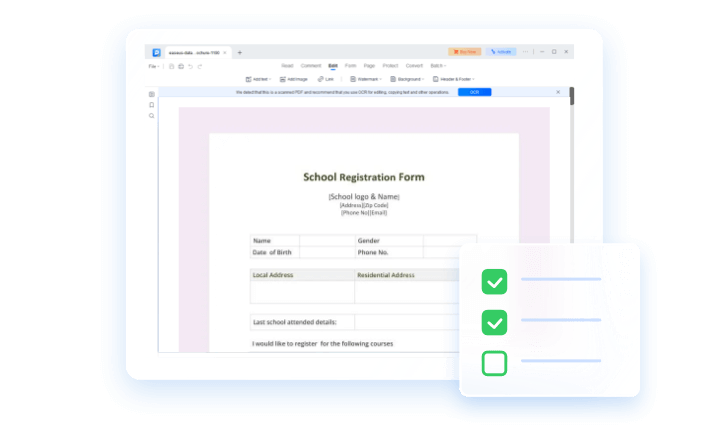
Edit text, images, fonts, and formatting directly within any PDF. Modify layout, adjust spacing, and update document structure without needing the original source file.
PDF Creation & Conversion
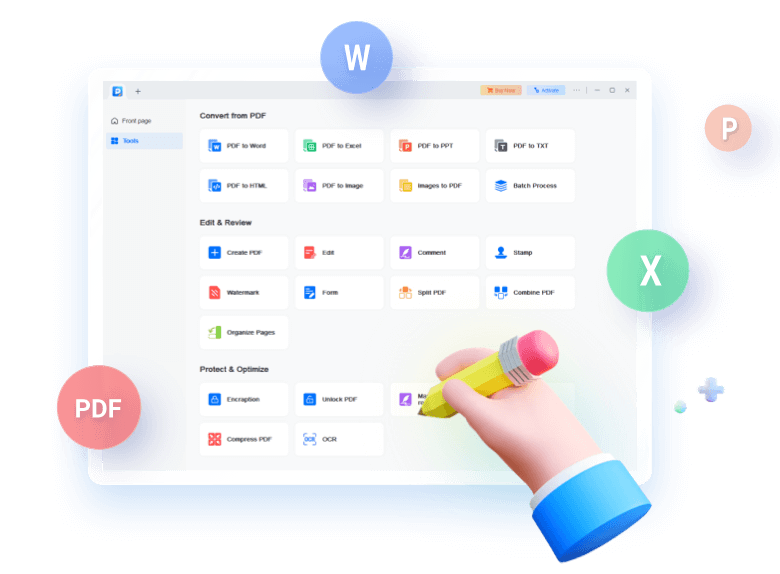
Create PDFs from Word, Excel, PowerPoint, images, or any printable file. Convert PDFs to multiple formats including DOCX, XLSX, PPTX, HTML, PNG, and JPG while preserving layout and quality.
OCR (Optical Character Recognition)
Convert scanned documents and images into editable, searchable text. Supports multiple languages and is ideal for digitizing paper documents.
Form Creation & Filling
Design interactive PDF forms with text fields, checkboxes, dropdowns, and signature fields. Fill, sign, and export forms with ease.
Document Security & Protection
Add passwords, permissions, and encryption to protect sensitive information. Apply digital signatures and permanently redact confidential content.
Annotation & Collaboration Tools
Highlight, underline, comment, and annotate PDFs. Add sticky notes, shapes, stamps, and markup tools for team collaboration and document review.
Page & Document Management
Insert, delete, rotate, extract, or reorder pages. Add headers, footers, watermarks, and page numbers for professional document formatting.
Batch Processing
Convert, compress, or apply security settings to multiple PDFs at once, improving workflow efficiency for business environments.
Compatibility
Fully compatible with Windows 10 and Windows 11, supporting all major PDF standards and formats.
System Requirements
-
Windows 10 / Windows 11
-
1 GHz processor or faster
-
1 GB RAM (2 GB recommended)
-
500 MB free disk space
-
Internet connection required for activation
Developer Information
Developer: EaseUS (CHENGDU Yiwo Tech Development Co., Ltd.) Founded: 2004 Specialization: Data recovery, backup, disk management, and document management tools
Release Information
Edition: EaseUS PDF Editor Version: Latest stable release Update Status: Actively maintained and updated
How to Activate EaseUS PDF Editor
-
Open the software and navigate to the Activation or License section.
-
Enter your official license key.
-
Restart the program to unlock all premium features.
This is the only legitimate activation method.
Why Choose EaseUS PDF Editor
EaseUS PDF Editor is a powerful, user‑friendly, and dependable PDF solution for professionals and businesses. It provides advanced editing, conversion, OCR, form creation, and security features in a single platform, making it an excellent alternative to expensive PDF suites like Adobe Acrobat.
No reviews found!





No comments found for this product. Be the first to comment!